
Creating Application from App Panel
The steps for creating an application for API v1 are the same as for the legacy version. Your user needs the API Management permission to see the Applications page.
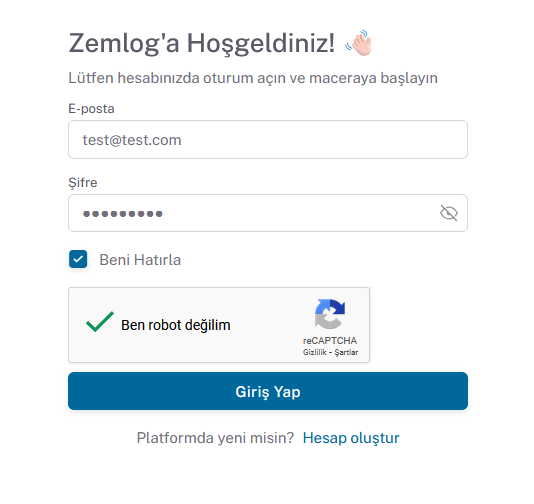
- Go to https://app.zemlog.com/login.
- Enter your email address and password, then click the Login button.
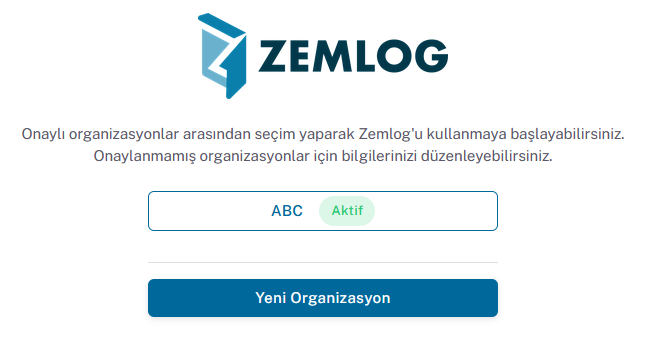
- After logging in, select the relevant organization.
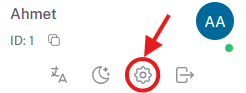
- After logging into the relevant organization account, go to the account settings page from the profile section at the bottom left.
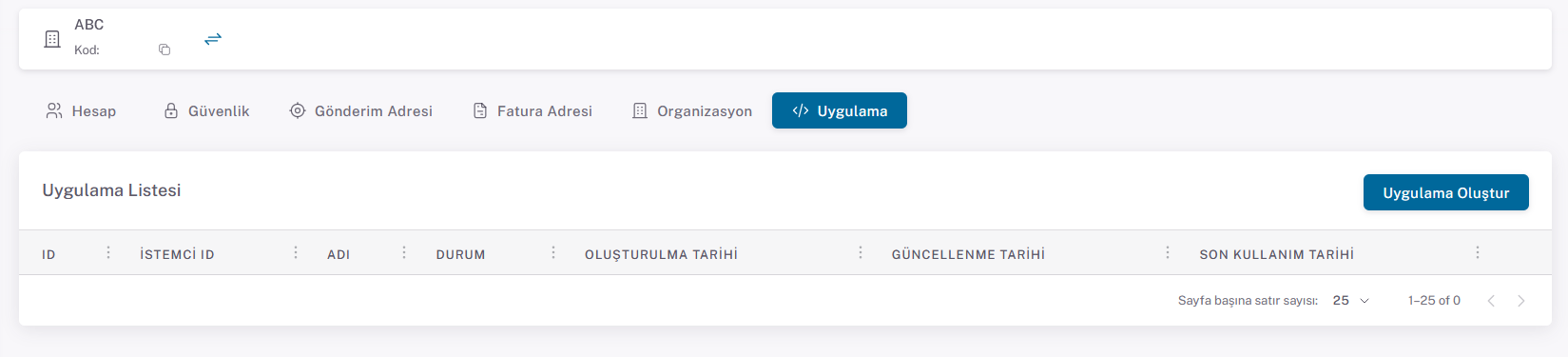
- Click the Create Application button on the Application page that opens.
- Enter a name on the create application page and click the Save button to create the secret key.
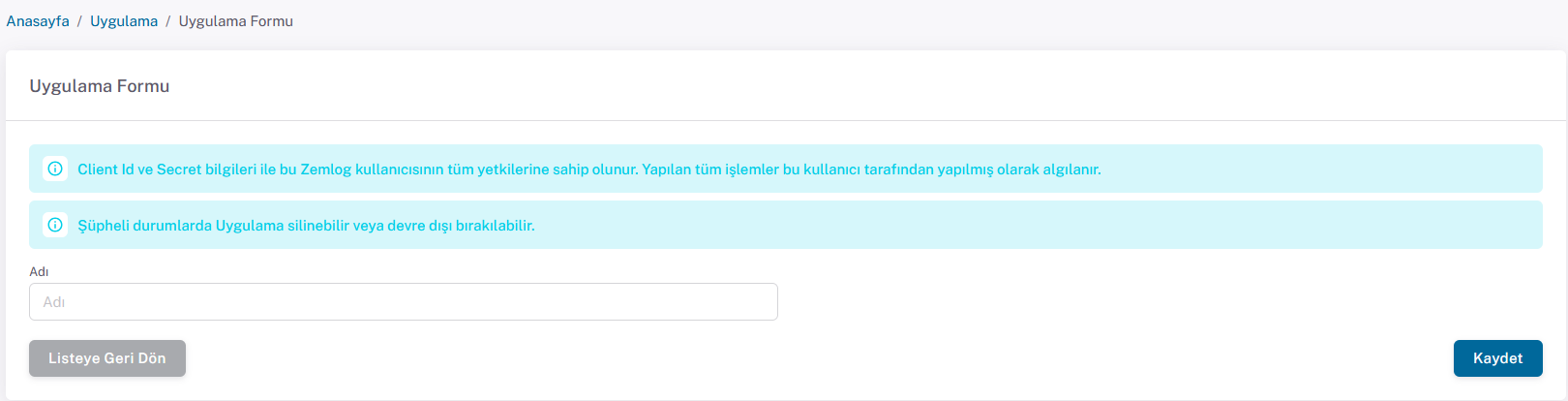
- After saving, the Application detail page will automatically open where the Client ID and Secret Key are displayed.
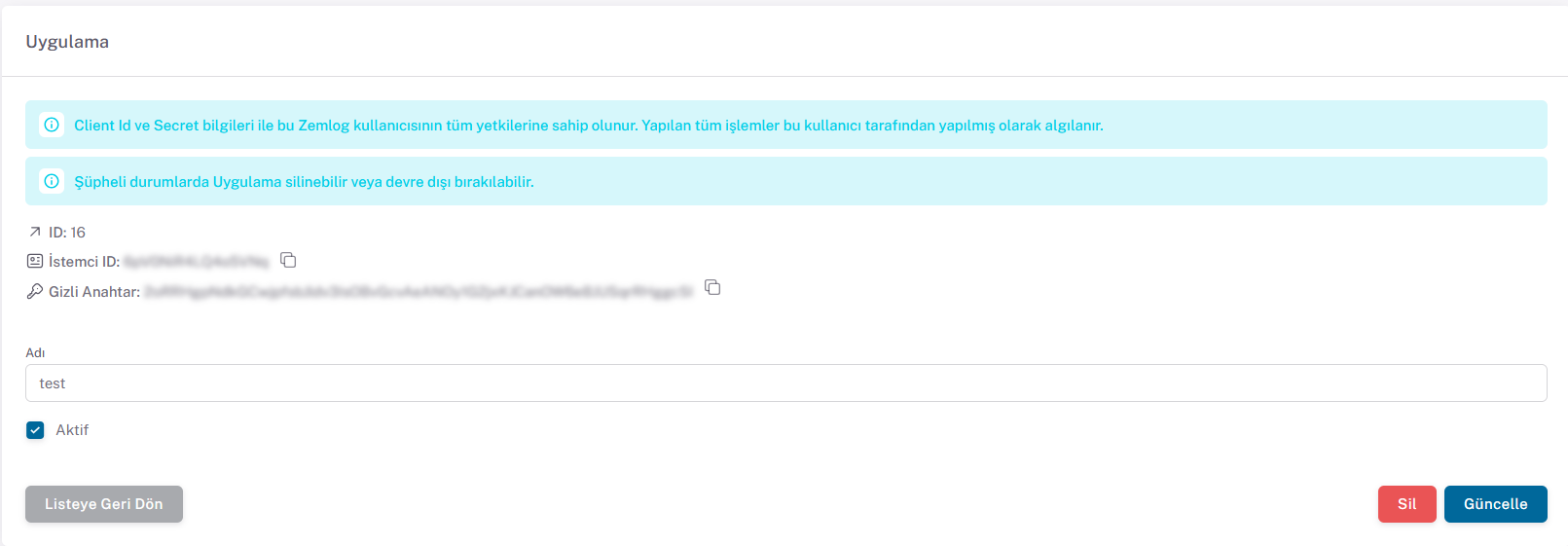
- On this page, the created Secret Key can be deleted, and its active status and name can be changed.
After these steps, proceed to the token retrieval process.