
Creating Application from App Panel
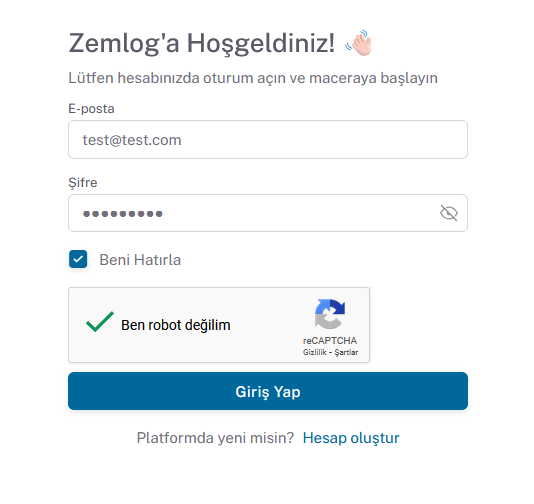
- Go to https://app.zemlog.com/login.
- Enter your email address and password, then click the Login button.
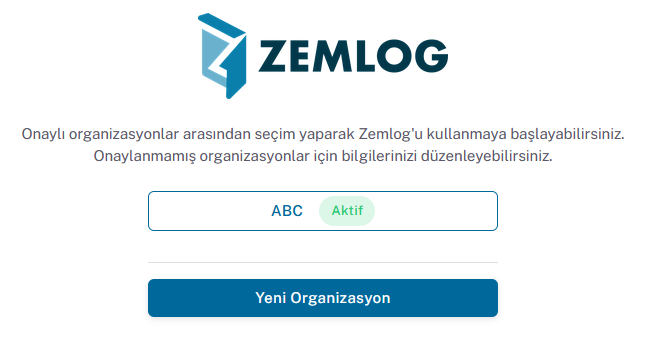
- After logging in, select the relevant organization.
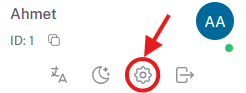
- After logging into the relevant organization account, go to the account settings page from the profile section at the bottom left.
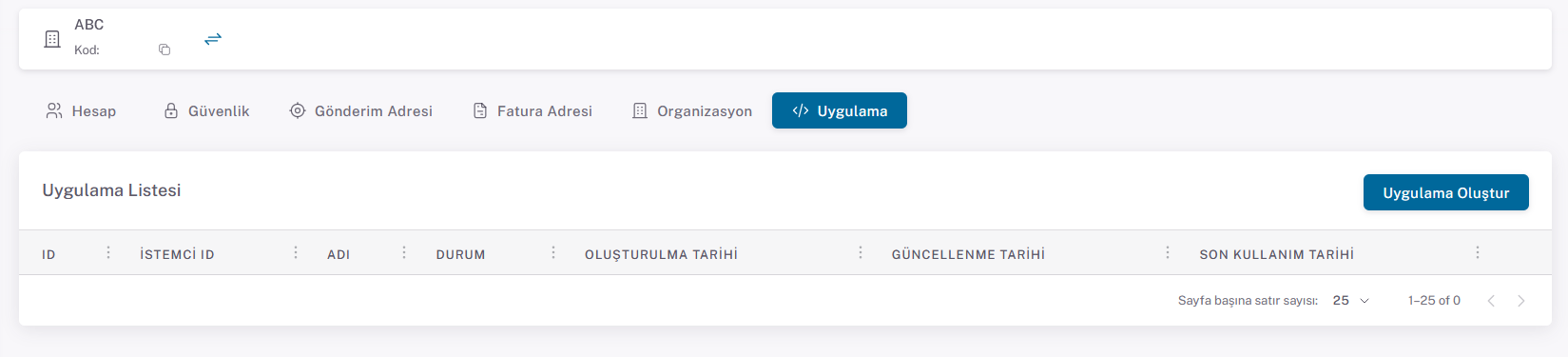
- Click the Create Application button on the Application page that opens.
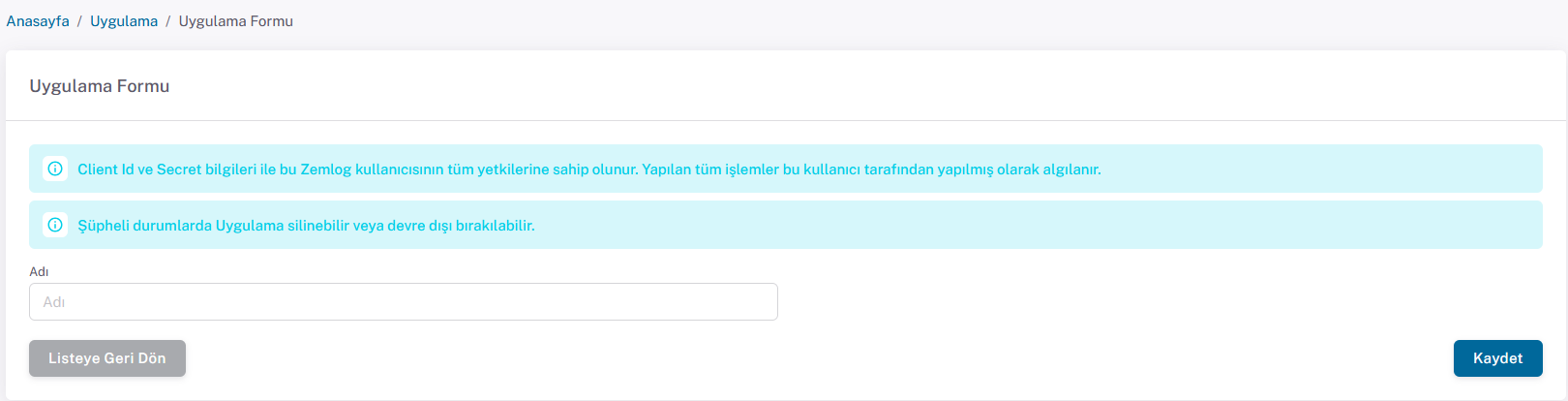
- Enter a name on the create application page and click the Save button to create the secret key.
- After saving, the Application detail page will automatically open where the Client ID and Secret Key are displayed.
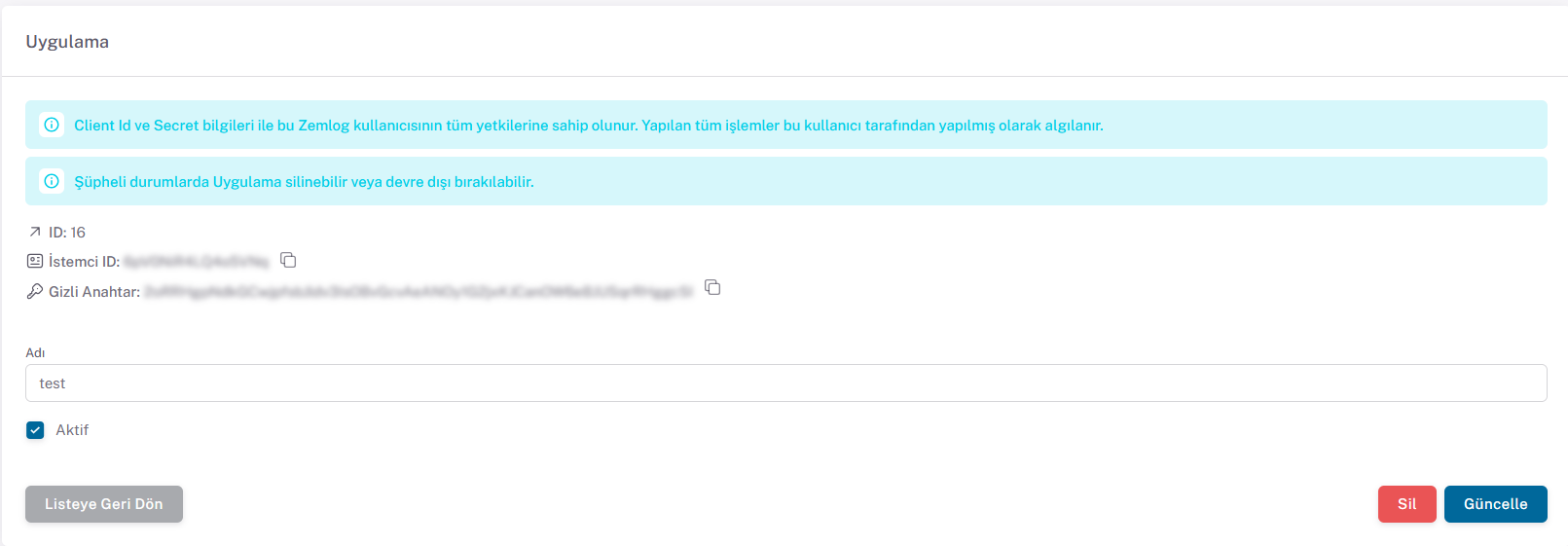
- On this page, the created Secret Key can be deleted, and its active status and name can be changed.
After these steps, proceed to the token retrieval process.