
Getting Token
After creating an application from the panel, proceed with the following steps.
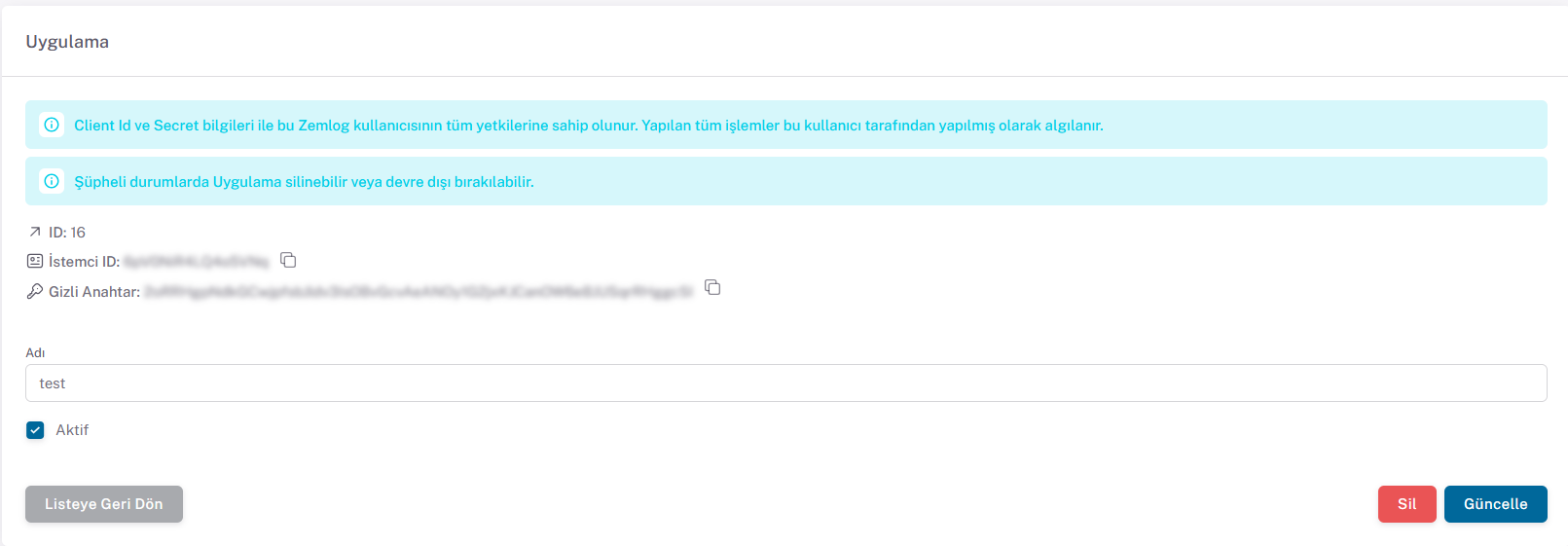
Send a request to the following endpoint using the Client ID and Secret Key information from the panel
Token Request
POST: /auth/application
{api_url}/auth/application
Content
json
{
  "clientId": "eaeE34e3",
  "secret": "secret"
}
Sample cURL
shell
$ curl -X POST {api_url}/auth/application \
    -d '{
    "clientId": "eaeE34e3",
    "secret": "secret"
}'
Response (200)
json
{
  "token": "string"
}
After these operations, you can easily perform your transactions using the ZEMLOG API with the token received from the request.